
Smart Glasses
Explore the separate retained smart-glasses design, version 6.1.
Inspect glasses · 11.2 MBENGINEERING TWINS AND SPATIAL WORK
Explore the NeuroNav workspace, smart-glasses designs and rugged V1 device twins. These are digital engineering demonstrations; manufactured durability, optics and physical performance await testing.
This website and the hosted demonstrations require an internet connection.
A spatial workspace with inspectable hardware and model views.
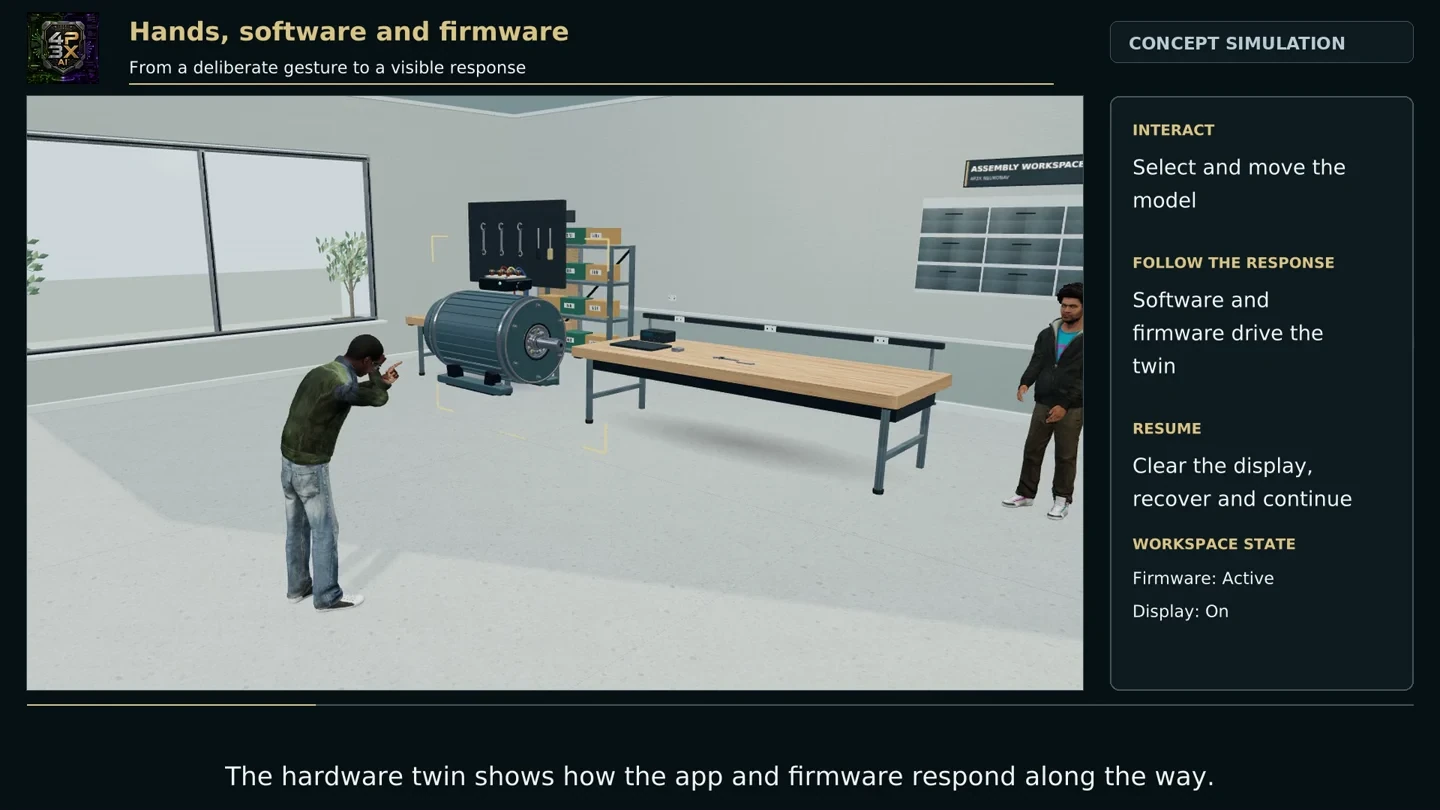
The current hardware-twin workspace retains text controls and help. Speech features were removed from this workspace at the founder’s request. Shared-presence scenes illustrate the collaboration direction; live multi-user synchronisation is not established.
Large optional demo; use the film first on a modest phone. AR optics, fit, sensors, heat and battery require physical prototypes.
Mobile, tablet and headphones, with component inspection.
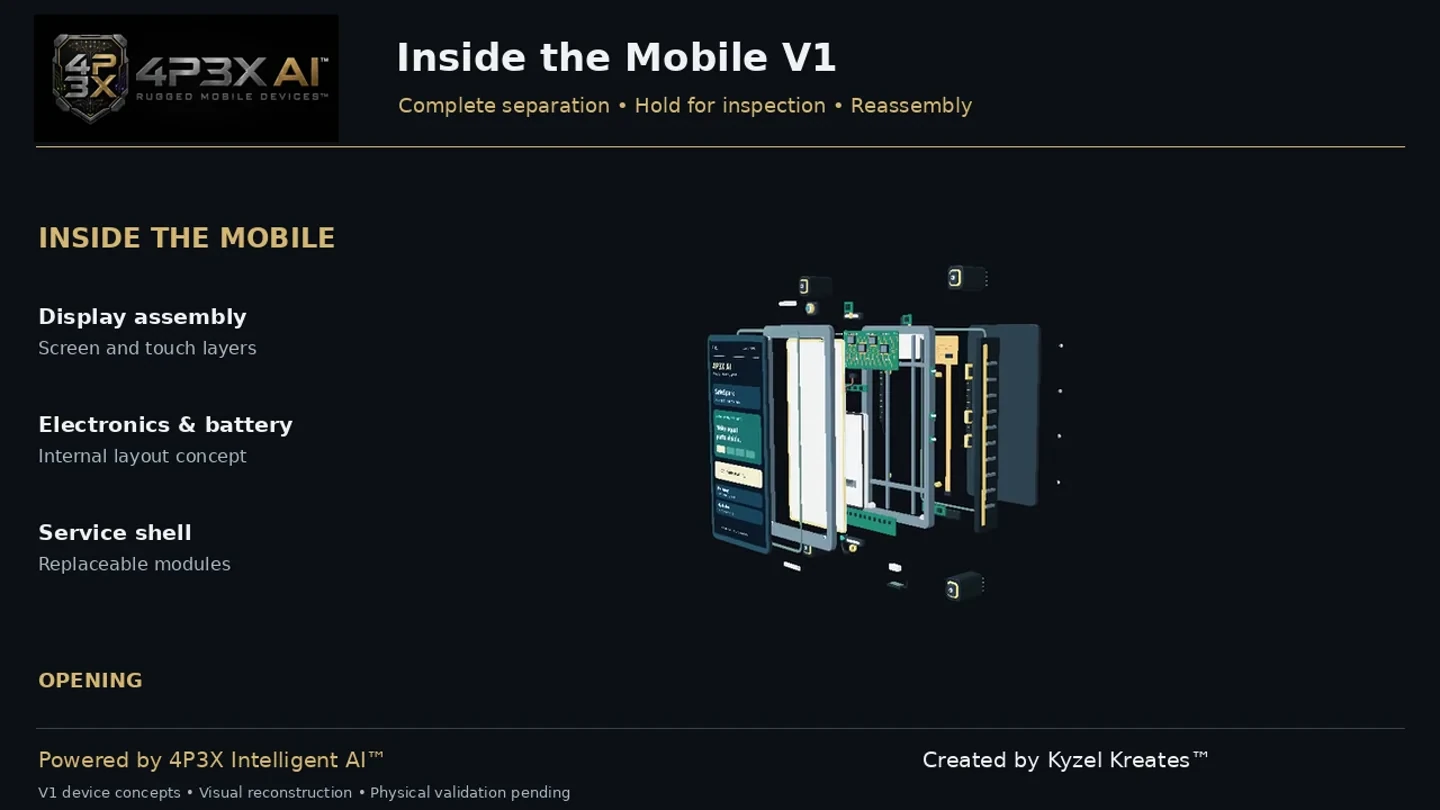
Inspect the mobile, tablet and headphones in the retained twin. The film focuses on mobile and tablet. Durability and repairability are engineering goals; drop, impact, ingress, acoustic and battery performance have not been physically certified.
Keep the separate designs and their evidence visible.
Explore the separate retained smart-glasses design, version 6.1.
Inspect glasses · 11.2 MBDiscuss an authorised model, design review or prototype-evaluation brief.
Explore →START WITH SOMETHING SPECIFIC